Key takeaways
- Auto darkening welding helmet not darkening? Check the mode switch, battery, sensors and cover plate in order, and learn when to replace the lens or helmet.
What's inside
- First, stop and switch to a safe backup
- Common causes at a glance
- Step one: check the mode switch and shade controls
- Step two: inspect the battery and solar cell
- Step three: clean the sensors and the cover lens
- Step four: consider the welding position and process
- A simple worked example
- What can go wrong
- Care habits that prevent repeat problems
- When to repair, replace the lens, or buy a new helmet
- Related guides
- Frequently asked questions
- First, stop and switch to a safe backup
- Common causes at a glance
- Step one: check the mode switch and shade controls
- Step two: inspect the battery and solar cell
- Step three: clean the sensors and the cover lens
- Step four: consider the welding position and process
- A simple worked example
- What can go wrong
- Care habits that prevent repeat problems
- When to repair, replace the lens, or buy a new helmet
- Related guides
- Frequently asked questions
As an Amazon Associate I earn from qualifying purchases. This post may contain affiliate links at no extra cost to you.
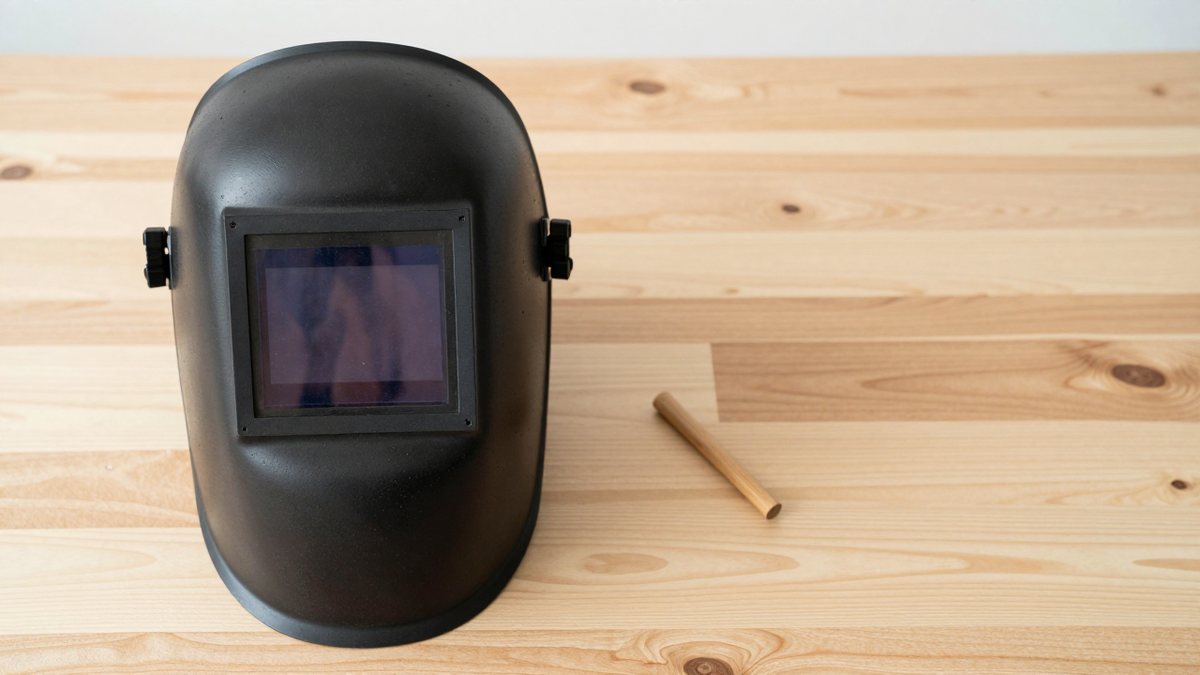
An auto-darkening welding helmet that stays light during welding is usually caused by a weak or dead battery, a dirty or blocked sensor or solar cell, a lens cover plate covered in spatter, or a control setting such as grind mode or low sensitivity. Less often, the lens itself has failed. Because an arc can injure unprotected eyes in a fraction of a second, treat any helmet that did not darken as unsafe until it is fixed. This guide lists the common causes in the order worth checking, explains how to verify the fix without risk, and covers when to retire the lens or the whole helmet.
What we cover
- First, stop and switch to a safe backup
- Common causes at a glance
- Step one: check the mode switch and shade controls
- Step two: inspect the battery and solar cell
- Step three: clean the sensors and the cover lens
- Step four: consider the welding position and process
- A simple worked example
- What can go wrong
- Care habits that prevent repeat problems
- When to repair, replace the lens, or buy a new helmet
- Related guides
- Frequently asked questions
First, stop and switch to a safe backup
If the lens did not darken at the moment you struck an arc, stop welding and do not strike another arc to test it. Use a helmet you know works, or a fixed-shade passive helmet, while you troubleshoot. Eye injury from arc flash can be painful and may not be noticed until hours later, and anyone concerned about exposure should seek medical advice. The checks below are general; always follow the instructions in your helmet’s manual, since layouts and settings differ between models.
Common causes at a glance
| Symptom | Likely cause | Where to start |
|---|---|---|
| Never darkens at all | Dead battery, failed lens, or grind mode on | Check mode switch, then battery |
| Flickers or darkens late | Dirty cover lens, low sensitivity, long delay | Clean sensors, raise sensitivity |
| Darkens, then lightens during the weld | Sensors blocked, low amperage, or arc hidden | Reposition, increase sensitivity |
| Stays dark when no arc is present | Sensitivity too high or bright ambient light | Lower sensitivity |
| Works outdoors, fails in the shop | Different light levels or cold battery | Re-set controls, warm the helmet |
Step one: check the mode switch and shade controls
Many helmets have a weld mode and a grind mode, and some have a cut mode with a lower shade range. In grind mode, the lens typically will not darken for the arc. A small knob or button can be nudged in a bag or on a bench without notice, so confirm it is in weld mode first. Then check the shade dial, because a setting that is too low for the process can look like a failure.
Next, look at sensitivity and delay. Low sensitivity can prevent the lens from responding to a dim arc, such as low-amp TIG, while very high sensitivity may trigger from shop lights. Delay controls how long the lens stays dark after the arc stops. A delay set to its minimum may seem to “flicker” in some conditions.
Step two: inspect the battery and solar cell
Most helmets use a solar cell, a replaceable battery, or both. A weak or incorrect battery is a leading cause of a lens that does not react. Check the manual for the battery type and orientation, and replace it with one from a reputable supplier, since low-quality cells can be weak even when new. If the helmet has a battery test indicator, use it. Clean the battery contacts gently with a dry cloth, and do not use sharp tools on the lens electronics. Also note that sealed-battery models may not be user-serviceable.
Step three: clean the sensors and the cover lens
Look at the small windows on the front of the helmet. These sensors must see the arc. Dust, fingerprints, grinding dust, and spatter can reduce what they detect. Wipe them with a clean, soft cloth and lens-safe cleaner as the manual allows. Replace the outer cover plate if it is pitted, scratched, or heavily coated. A cloudy cover plate reduces both visibility and sensor performance, and cover plates are inexpensive compared with a new lens. Also check that the inner cover plate and the lens itself are seated correctly and not cracked.
Step four: consider the welding position and process
Sensors need a view of the arc. If your hand, a clamp, or the workpiece blocks the sensors in tight corners, the lens can lighten even though the arc is still burning. This is common when working inside frames or around corners, and awkward positions, such as the tight-corner TIG work covered in ceramic cup vs gas lens for TIG in tight corners, often force a head angle where the sensors lose sight of the arc. Helmets with more sensors, or sensors placed differently, may handle this better, so check the specifications. Moving the work or changing your stance is a free fix worth trying.
Low amperage is another trigger. Very low-current TIG may not produce enough light for some lenses to react. A helmet with an adjustable sensitivity range and a low-amp rating helps.
A simple worked example
Assume a helmet that worked yesterday and now stays light during MIG welding indoors, and the weld was stopped immediately. Checking in order: the mode switch is found on weld, the shade dial is at the usual setting, and the sensors are clean. The battery indicator shows weak, so a fresh battery of the correct type is fitted. The outer cover plate is heavily pitted with spatter, so it is replaced as well. Before returning to work, the helmet is checked using the manufacturer’s described test, such as a test button or a bright-light check, and a backup helmet stays within reach. If the lens still does not react, the fault is probably in the electronics, and the next step is a replacement cartridge or a new helmet.
What can go wrong
Do not test a suspect lens by looking at an arc without protection. Do not open a sealed cartridge unless the manufacturer explicitly allows it. Avoid substituting parts that are not rated for your lens, as the wrong cover plate can affect optical clarity. Also watch for impact damage: a helmet that has been dropped may have cracked components or loose electronics. Extreme cold or heat can affect response time, so store it indoors between jobs.
Care habits that prevent repeat problems
Store the helmet in a dry place, away from direct sun and temperature extremes, and keep it covered so dust stays off the sensors. Replace cover plates before they become opaque, not after. Avoid hanging the helmet from the lens frame, and never use solvents on the lens unless the manual allows it. A quick two-minute check of switches, battery indicator, and plates at the start of each session catches most problems before any arc is struck.
When to repair, replace the lens, or buy a new helmet
Replace the battery and cover plates first, since they are cheap and cover most cases. If a manufacturer offers a replacement lens cartridge, that can be worthwhile for a helmet shell in good shape. Buy a new helmet when the shell is cracked, the headgear is worn out, parts are no longer available, or the lens keeps failing after maintenance. Look for a helmet that meets recognized standards for your region, such as ANSI Z87.1 in the United States, and verify current specifications and warranty terms. If you are unsure, contact the manufacturer or a welding supply store.
Related guides
Frequently asked questions
Why is an auto darkening welding helmet not darkening?
The most common reasons are a dead or weak battery, a dirty or blocked sensor, a spatter-covered cover lens, or the helmet being set to grind mode. Sensitivity set too low can also prevent a response, particularly on low-amp work. Check these in order, use a backup helmet while troubleshooting, and consult the manual for model-specific steps.
Can a welding helmet lens go bad?
Yes. Lenses are electronic components and can fail from age, impact, moisture, or heat. If the lens still fails to darken after you replace the battery and cover plates and check controls, it is likely faulty. Contact the manufacturer about a replacement cartridge, or consider buying a new helmet if parts are unavailable.
Does sensitivity affect when the lens darkens?
Yes. Higher sensitivity lets the lens react to dimmer arcs, which helps with low-amp work, but too high can cause it to darken from bright shop lights. Lower settings may miss a faint arc. Adjust in small steps, change one control at a time, and use the manual’s guidance for the process you are welding.
Is it safe to test the helmet by striking an arc?
Only with proper protection in place. Never rely on a lens you suspect has failed. Use a known-good helmet or fixed-shade passive protection for the actual welding, and follow the manufacturer’s recommended test procedure, which may include a test button or a bright light check. If there is any doubt, do not weld. Many manuals also describe a safer check that does not involve striking an arc at all.
How often should the battery or cover plates be replaced?
There is no single schedule. Replace cover plates when they are pitted, scratched, or too cloudy to see through clearly, which depends on the process and workload. Batteries vary by model, and some helmets use solar assist. Check the manual, and replace the battery if the indicator shows weak or response seems slow. Keep a spare cover plate on hand.